AI Customer Service Automation: The Complete Guide for 2026
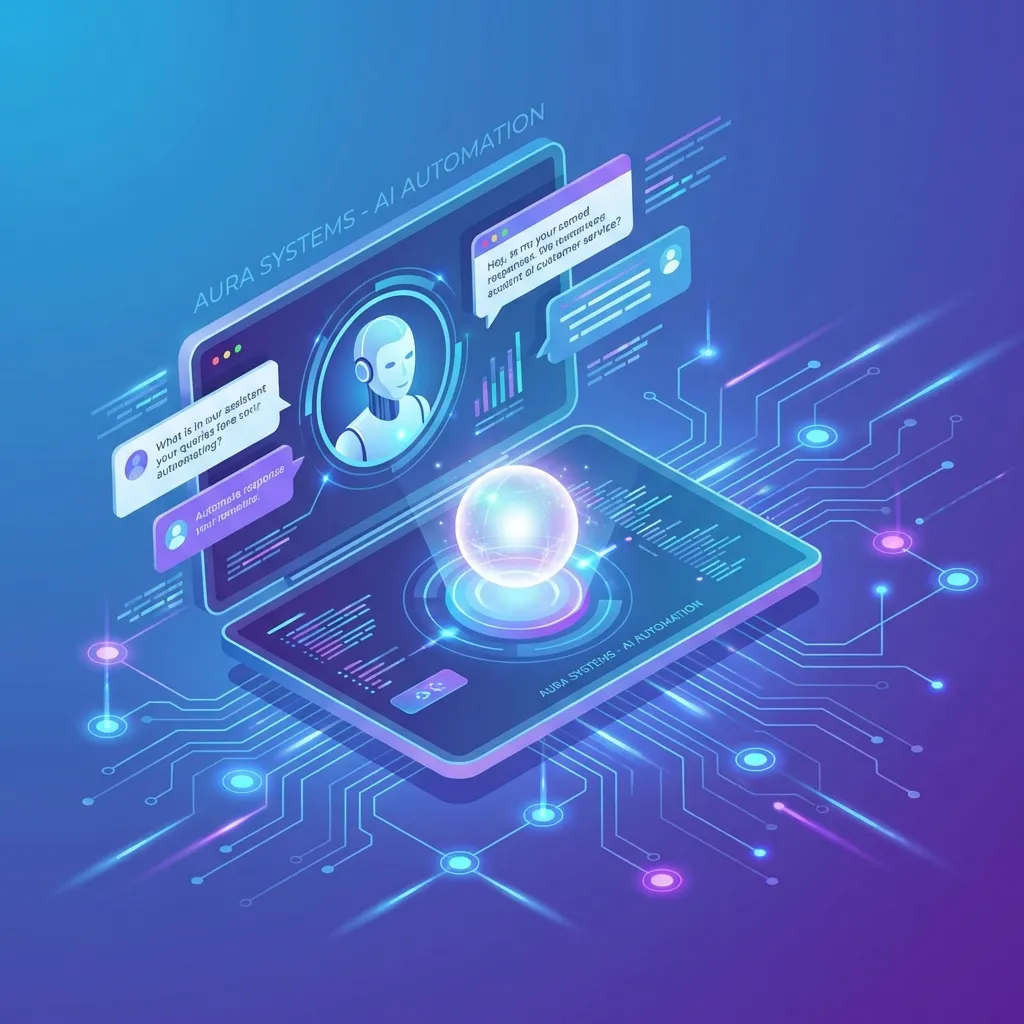
Your support team answered the same question 847 times last month.
"Where's my order?" "How do I reset my password?" "What's your refund policy?"
Meanwhile, the customers with real problems—the ones who actually need human help—waited 4 hours for a response. By then, they'd already tweeted about it.
This is the customer service paradox: the more you grow, the worse your support gets. Unless you automate.
What is AI Customer Service Automation?
AI customer service automation uses artificial intelligence to handle customer inquiries without human intervention. But it's not the robotic "press 1 for billing" experience you're imagining.
Modern AI customer service includes:
- Conversational AI agents that understand natural language and context
- Intelligent ticket routing that sends issues to the right team instantly
- Automated email responses that resolve common issues without human review
- Sentiment analysis that escalates frustrated customers immediately
- Self-service portals powered by AI search and recommendations
The goal isn't to eliminate human support. It's to free your human agents for the work that actually requires humans—complex issues, emotional customers, and high-value accounts.
The Economics of AI Customer Service
Let's talk numbers. Here's what typical support operations look like before and after AI automation:
| Metric | Before AI | After AI |
|---|---|---|
| First response time | 4.2 hours | 30 seconds |
| Tickets handled by humans | 100% | 25-30% |
| Cost per ticket | $15-25 | $2-5 |
| 24/7 availability | No (or expensive) | Yes (included) |
| CSAT score | 72% | 84% |
The counterintuitive insight: CSAT often improves with AI automation. Why? Because customers get instant answers to simple questions instead of waiting hours. And your human agents have more time for complex issues where they can actually add value.
The 5 Levels of Customer Service Automation
Not all automation is created equal. Here's a framework for thinking about where you are and where you should go:
Level 1: FAQ Deflection
The simplest form. A searchable knowledge base with AI-powered search. Customers find answers themselves before creating tickets.
- Implementation: 1-2 weeks
- Ticket reduction: 15-25%
- Tools: Intercom, Zendesk, Help Scout with AI search
Level 2: Scripted Chatbots
Decision-tree chatbots that handle common flows: order status, password reset, return requests. Limited to pre-programmed scenarios.
- Implementation: 2-4 weeks
- Ticket reduction: 25-40%
- Tools: Intercom Fin, Drift, ManyChat
Level 3: AI Agents (Conversational)
LLM-powered agents that understand natural language, maintain context across conversations, and handle unexpected queries. Still primarily informational.
- Implementation: 4-8 weeks
- Ticket reduction: 40-60%
- Tools: Ada, Forethought, Custom Claude/GPT implementations
Level 4: AI Agents (Action-Taking)
AI agents connected to your systems that can actually do things: process refunds, update orders, change subscriptions, apply discounts. Full resolution without human involvement.
- Implementation: 8-12 weeks
- Ticket reduction: 60-75%
- Tools: Custom integrations with Retool, n8n, or direct API connections
Level 5: Proactive AI Support
AI that anticipates problems before customers report them. Detects shipping delays and reaches out first. Identifies confused users and offers help. Prevents tickets from being created in the first place.
- Implementation: 12+ weeks
- Ticket reduction: 75-85%
- Tools: Custom ML models + event-driven automation
What to Automate vs. Keep Human
The biggest mistake companies make: trying to automate everything. Some interactions should be human. Here's the framework:
Automate Completely:
- Order status inquiries
- Password and account resets
- FAQ questions (shipping, returns, hours)
- Subscription changes (upgrade, downgrade, cancel)
- Simple refund requests (under policy threshold)
- Appointment scheduling and rescheduling
AI Assists, Human Approves:
- Refunds above threshold amount
- Account credits and exceptions
- Escalated complaints (AI drafts response, human reviews)
- Technical troubleshooting (AI guides first, escalates if unresolved)
Keep Human:
- Highly emotional or frustrated customers
- Legal or compliance-sensitive issues
- Enterprise or VIP accounts
- Complex multi-step problems
- Situations requiring judgment or exceptions
The key insight: automate based on complexity and emotional stakes, not volume. High-volume simple queries are perfect for AI. Low-volume complex queries need humans regardless of how few there are.
The Tech Stack for AI Customer Service
You don't need to build everything from scratch. Here's a practical tech stack:
Help Desk Foundation:
- Intercom, Zendesk, or Freshdesk for ticket management
- Choose based on your size and existing tools
AI Layer:
- Native AI (Intercom Fin, Zendesk AI) for quick deployment
- Specialized AI (Ada, Forethought) for advanced capabilities
- Custom LLM (Claude API, GPT-4) for full control
Integration/Orchestration:
- n8n or Make for connecting AI to your systems
- Enables AI to check orders, process refunds, update CRM
Knowledge Base:
- Your existing documentation, FAQs, and policies
- AI retrieval augments responses with accurate information
Analytics:
- Track AI resolution rate, escalation rate, CSAT
- Identify gaps where AI fails to resolve
Implementation: The 30-Day Sprint
Here's how to get AI customer service running in a month:
Week 1: Audit and Categorize
- Export last 90 days of support tickets
- Categorize by type (billing, technical, shipping, etc.)
- Identify the 5-10 query types that represent 80% of volume
- Document the resolution steps for each
Week 2: Knowledge Base Setup
- Create or update FAQ articles for top query types
- Write in conversational language (how customers ask, not how you think)
- Include step-by-step resolution guides
- Set up AI search/retrieval on your knowledge base
Week 3: AI Agent Configuration
- Deploy AI agent on your help desk or website
- Configure personality, tone, and escalation rules
- Connect to knowledge base for retrieval
- Set up human handoff triggers (sentiment, complexity, VIP)
Week 4: Testing and Launch
- Internal testing with real ticket scenarios
- Soft launch to 10-20% of traffic
- Monitor resolution rate and escalations
- Iterate on responses and escalation triggers
- Full launch with ongoing monitoring
Common Mistakes to Avoid
Mistake 1: Hiding the Human Option
Don't make customers fight through AI to reach a human. Frustrated customers become more frustrated. Always provide a clear path to human support.
Mistake 2: No Escalation Triggers
AI should recognize when it's failing and escalate automatically. Set triggers for: repeated questions, negative sentiment, explicit requests for human, VIP customers.
Mistake 3: Stale Knowledge Base
AI is only as good as its knowledge. If your docs are outdated, AI gives wrong answers. Assign ownership for keeping content current.
Mistake 4: Over-Automating Complex Issues
Some issues need humans. Trying to force AI on complex problems creates terrible experiences. Know your limits.
Mistake 5: No Feedback Loop
Track where AI fails. Review escalated tickets weekly. Update knowledge base and AI training based on gaps. Continuous improvement is essential.
Measuring Success
Track these metrics to ensure your AI customer service is working:
- AI Resolution Rate: % of tickets fully resolved by AI without human involvement. Target: 60-70%.
- Escalation Rate: % of AI conversations that escalate to humans. Lower isn't always better—appropriate escalation is good.
- First Response Time: Time from ticket creation to first response. AI should achieve near-instant.
- CSAT Score: Customer satisfaction for AI-handled vs. human-handled tickets. Should be within 10% of each other.
- Cost Per Ticket: Total support cost divided by tickets. Should decrease 40-60%.
- Agent Time on Complex Issues: Human agents should spend more time on high-value, complex issues vs. routine queries.
The Bottom Line
AI customer service automation isn't about replacing your support team. It's about deploying them where they create the most value.
Your best support reps shouldn't spend their days answering "where's my order?" They should be solving complex problems, saving at-risk accounts, and turning frustrated customers into advocates.
AI handles the repetitive 70%. Humans handle the critical 30%. Everyone wins—your team, your customers, and your bottom line.
The companies that figure this out don't just save money. They turn support from a cost center into a competitive advantage. When every competitor has 4-hour response times and you're resolving issues in 30 seconds, that's a moat.
We build AI customer service systems that actually work—handling 60-80% of tickets while improving CSAT. Book a free consultation to see what's possible for your support operation.
Related Articles

Ready to Automate Your Business?
Book a free consultation to discuss how AI automation can save you 40+ hours per month.
Book Free Consultation