6 AI Automations I Built That Actually Run in Production

Most AI automation content is vaporware. Screenshots of ChatGPT prompts. Hypothetical workflows. "Imagine if you could..." I'm going to show you 6 AI systems I actually built, that actually run, processing real data for real business outcomes.
These aren't demos. They're production workflows handling competitive intelligence, lead generation, content creation, and customer service—running daily, weekly, or on-demand. Each one took design iteration, failure, and refinement to reach stability. Here's what works, what broke, and what I'd do differently.
What Makes an AI Automation "Production-Ready"?
Before diving into specific workflows, let me define what separates a proof-of-concept from production:
- Reliability — Runs without babysitting. Handles API failures, rate limits, and unexpected data gracefully
- Deterministic outputs — Same inputs produce consistent results. AI handles interpretation, not random generation
- Error visibility — When something breaks, you know immediately and can diagnose quickly
- Business integration — Outputs go somewhere useful (CRM, sheets, email) not just a JSON file
- Cost predictability — You know what it costs per run and can budget accordingly
Every workflow below meets these criteria. Let's get into specifics.
1. PPC Thievery: Competitive Ad Analysis + AI Creative Generation
The Problem
Competitor ad research is tedious. You browse Facebook Ad Library, screenshot ads, try to reverse-engineer what's working, then brief designers on concepts. This takes hours and produces inconsistent insights.
The Solution
An automated pipeline that scrapes competitor ads, analyzes them with GPT-4o vision, and generates "inspired" variations using GPT Image 1.
Technical Architecture
- Data source: Apify Facebook Ad Library scraper with configurable competitor list
- Image analysis: GPT-4o vision extracts creative strategy—colors, composition, copy style, hooks
- Image generation: GPT Image 1 creates variations maintaining strategy but changing execution
- Storage: Google Drive with auto-generated folder structure per competitor
- Logging: Google Sheets tracks all processed ads, analyses, and generated assets
Results & Lessons
Processes 50+ competitor ads daily. The image generation quality varies—maybe 30% are usable as-is, 50% need refinement, 20% miss the mark. But even the misses provide creative direction. Key lesson: GPT Image 1 works best with very specific prompts derived from the vision analysis, not generic "make an ad like this."
2. AI Facebook Ad Spy: Multi-Modal Competitive Intelligence
The Problem
Competitors run video ads, image ads, and carousel ads. Each format requires different analysis approaches. Manual review means watching videos, reading copy, noting patterns—slow and inconsistent.
The Solution
A routing system that detects ad format, applies the appropriate AI model, and generates standardized competitive intelligence reports.
Technical Architecture
- Routing logic: Detects video vs image vs text-only ads and routes to appropriate analyzer
- Video analysis: Gemini 2.0 Flash processes video content—hooks, pacing, CTA timing, visual themes
- Image analysis: GPT-4o vision handles static creative
- Copy rewriting: GPT-4.1 generates alternative angles while preserving core message
- Output: Standardized JSON reports in Google Sheets, assets in Drive
Results & Lessons
The multi-model approach was necessary—Gemini handles video better than GPT-4o, but GPT-4o produces better image analysis. Key architectural decision: standardize output format regardless of input type. This makes downstream processing consistent. Biggest failure point: video processing timeouts. Solution: async processing with webhook callbacks rather than waiting for completion.
3. Deep Icebreaker System: Hyper-Personalized Sales Outreach
The Problem
Cold email personalization at scale is hard. "I saw your company does X" isn't personalization—it's mail merge. Real personalization requires research: reading their website, understanding their challenges, finding specific angles. This doesn't scale with humans.
The Solution
A lead enrichment pipeline that scrapes company websites, summarizes content, and generates multi-paragraph personalized icebreakers that reference specific details about the prospect's business.
Technical Architecture
- Lead source: Apify LinkedIn Sales Navigator scraper (or CSV import)
- Website scraping: HTTP requests to homepage, about page, blog—up to 5 pages per company
- Content summarization: GPT-4.1 extracts company focus, recent news, challenges, tech stack
- Icebreaker generation: GPT-4.1 creates 2-3 paragraph personalized openers referencing specific findings
- Output: Google Sheets with lead data + personalized icebreakers ready for campaign upload
Results & Lessons
Response rates jumped from 2-3% (generic) to 8-12% (AI-personalized). The key was scraping multiple pages—homepage alone isn't enough context. Blog posts and case studies provide the specific details that make personalization feel genuine. Failure mode: companies with sparse websites produce weak icebreakers. Solution: fallback to LinkedIn activity/posts when website content is thin.
4. Website Chat Agent: AI Customer Service with Calendar Booking
The Problem
Website visitors have questions. Live chat requires humans monitoring 24/7. Chatbots frustrate users with rigid decision trees. And converting interested visitors to booked calls requires manual coordination.
The Solution
An AI agent that answers questions naturally, checks real calendar availability, and books meetings—without human intervention for routine interactions.
Technical Architecture
- Chat interface: Webhook-triggered n8n workflow receiving messages
- AI backbone: n8n AI Agent node with custom system prompt defining persona and boundaries
- Memory: Window buffer memory maintains conversation context across messages
- Calendar integration: Google Calendar API for real-time availability checking
- Booking: Creates calendar events with meeting details and sends confirmation
Results & Lessons
Handles ~70% of inquiries without escalation. The system prompt is everything—took 10+ iterations to get the tone right and prevent hallucination about services we don't offer. Critical: define what the agent CAN'T do as clearly as what it can. "Never make up pricing. Never promise timelines. Always offer to schedule a call for complex questions." Failure mode: users trying to have extended conversations. Solution: after 5 exchanges, proactively offer to book a call.
5. Smart Invoice Follow-up: Context-Aware Payment Reminders
The Problem
Overdue invoices need follow-up. But generic "Your invoice is overdue" emails ignore context. Maybe you've already discussed payment terms. Maybe they replied last week saying payment is processing. Tone-deaf follow-ups damage relationships.
The Solution
A system that pulls invoice status AND email conversation history, uses AI to understand context, and either sends appropriate follow-up or flags for human review.
Technical Architecture
- Invoice data: Google Sheets with client, amount, date sent, days overdue
- Email history: Gmail API pulls last 10 messages in thread with that client
- Context analysis: GPT-4.1 reads conversation, determines if follow-up is appropriate and what tone
- Decision output: "Send follow-up" with suggested email OR "Skip - already in discussion" with reason
- Draft creation: Gmail draft for human review before sending (safety net)
Results & Lessons
Recovered $12K in the first quarter from invoices that would have slipped through. The AI catches nuance humans miss—"payment processing" from 3 weeks ago means follow up, same message from 3 days ago means wait. Key design decision: drafts, not auto-send. The AI judgment is good but not perfect. Human review takes 30 seconds but prevents embarrassing mistakes.
6. TikTok/Instagram Shorts Generator: Content Multiplication Pipeline
The Problem
Long-form video content (YouTube, webinars, podcasts) contains dozens of potential short-form clips. Manually editing takes hours per video. Hiring editors is expensive. Content sits unused.
The Solution
Automated pipeline that monitors content sources, sends videos for AI clipping, generates social captions, and organizes everything for posting.
Technical Architecture
- Content monitoring: RSS feeds from YouTube channels trigger processing
- Clipping service: Vizard AI handles video analysis and short-form extraction
- Webhook processing: Receives completed clips via webhook callback
- Caption generation: GPT-4.1 creates platform-appropriate captions (TikTok vs Instagram vs LinkedIn)
- Organization: Google Sheets log + Drive folder structure by source video
- Notification: Email when clips are ready for review/posting
Results & Lessons
One 30-minute video typically yields 5-8 usable clips. Manual editing: 3-4 hours. Automated: 15 minutes of review time. The caption generation quality is high—GPT-4.1 understands platform voice differences. Main limitation: Vizard clip selection isn't perfect. About 60% of suggested clips are actually strong. Solution: always generate more clips than needed and curate the best.
The Common Architecture Pattern
Looking across all 6 systems, a pattern emerges:
- Data collection — Scraping, API calls, or manual triggers bring raw data in
- Routing/classification — Deterministic logic decides what processing path to take
- AI interpretation — LLMs handle the unstructured analysis that humans would do
- Structured output — AI results get transformed into consistent formats
- Business integration — Outputs flow to systems humans actually use
- Logging/visibility — Everything gets tracked for debugging and improvement
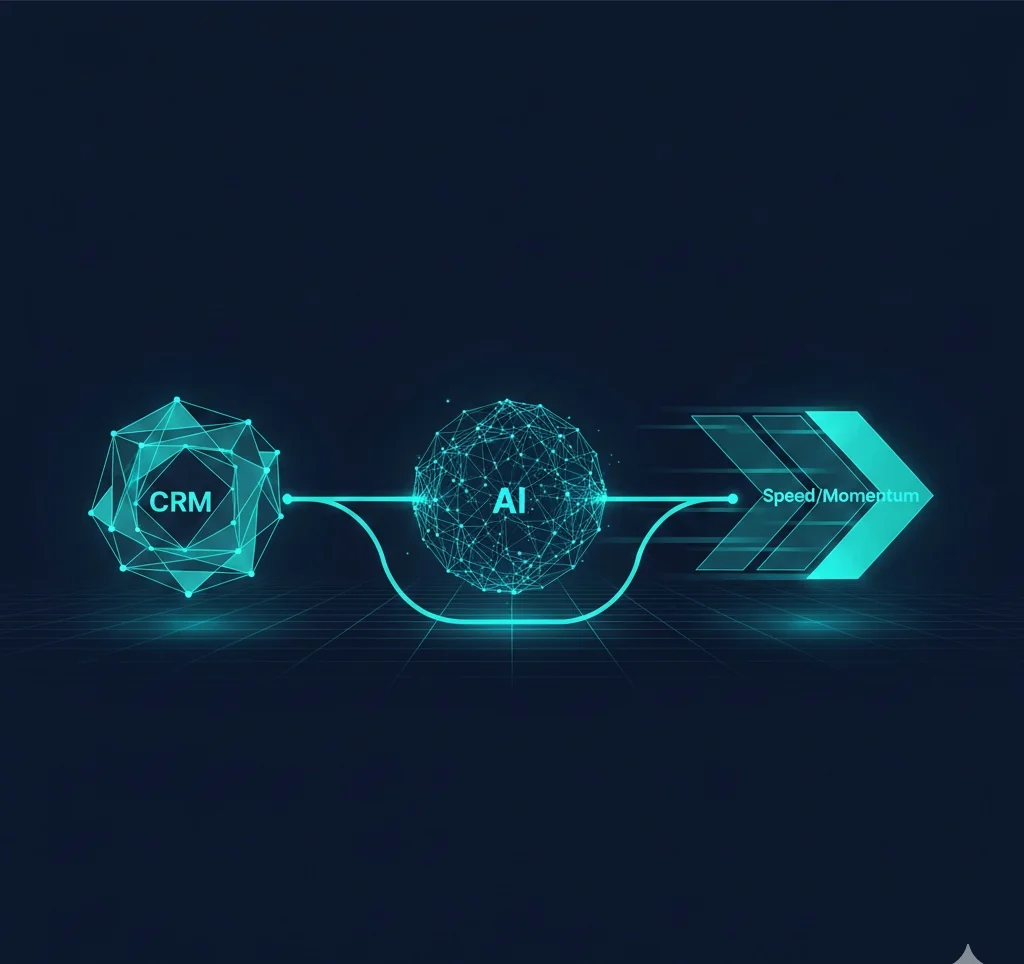
The AI is never the whole system—it's one component handling the parts that require interpretation. Everything else is traditional automation.
What I'd Do Differently
Start with the Output, Not the AI
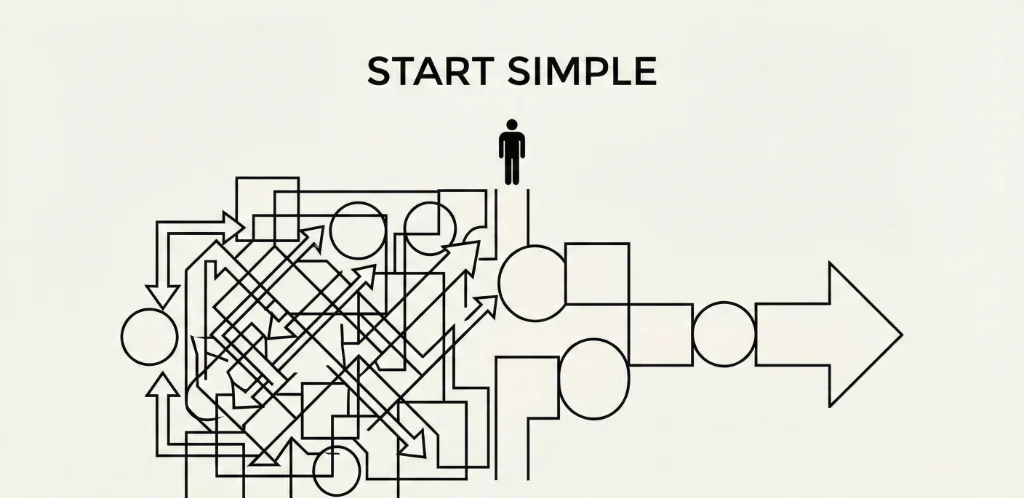
Early mistake: "What can AI do?" Better question: "What output do I need, and which step requires AI?" The invoice system doesn't need AI to calculate days overdue. It needs AI to understand email context. Be surgical about where AI adds value.
Build Error Handling First
APIs fail. Rate limits hit. Data comes in weird formats. I now build the error handling before the happy path. Every n8n workflow has: retry logic, error logging, and Slack/email notifications when things break. This sounds obvious but gets skipped when you're excited about the AI part.
Document the Prompts
System prompts evolve through iteration. Without documentation, you forget why certain instructions exist. Now I version control prompts with comments explaining each section. "Added 'never mention competitor names' after incident on 2024-03-15."
The Tech Stack Summary
| Category | Tools | Monthly Cost |
|---|---|---|
| Orchestration | n8n (self-hosted) | $20-50 (server) |
| AI Models | OpenRouter (GPT-4o, GPT-4.1, Image), Gemini | $50-200 (usage) |
| Data Collection | Apify actors | $50-100 |
| Video Processing | Vizard AI | $30-60 |
| Storage/Output | Google Workspace | $12 |
| Total | $162-422/month |
This runs 6 production systems handling competitive intelligence, lead generation, customer service, and content creation. A human team doing equivalent work would cost $5-10K/month minimum.
Verified Data & Methodology
Sources & Context:
- All workflows described are running in production as of January 2026
- Cost estimates based on actual API usage over 3+ months of operation
- Response rate improvements (2-3% to 8-12%) measured across 500+ outreach emails
- Time savings calculated by comparing workflow duration vs manual equivalent
- Tool pricing accurate as of publication date; verify current rates
Results depend on implementation quality, use case fit, and continuous optimization. These numbers reflect my specific context and may vary for your situation.
The Bottom Line
AI automation works when you treat AI as a component, not a solution.
- Design the workflow first, then identify where AI adds value
- Use deterministic logic for everything that doesn't require interpretation
- Build error handling as seriously as you build features
- Start with one workflow, prove ROI, then expand
The gap between "AI can do this" and "AI reliably does this in production" is larger than most content suggests. But cross that gap once, and you have leverage that compounds.
These 6 systems took months to reach stability. Now they run while I sleep. That's the actual promise of AI automation—not replacing work, but making work scale.
Book a free automation assessment
We'll identify your highest-ROI automation opportunity and map out the architecture.
Related Articles

Ready to Automate Your Business?
Book a free consultation to discuss how AI automation can save you 40+ hours per month.
Book Free Consultation